Step 1: Ultralytics Platform and hybrid training  
1.1 Get your API key
- Sign up at platform.ultralytics.com. New accounts get free credits.
- Open Settings > API Keys and create a key with the training scope. Copy it right away, it is shown once.
- Log in from your terminal. The key is saved in your Ultralytics settings.
1.2 Train locally, watch it in the cloud
The magic switch is project="username/project". Training runs on your hardware and the Ultralytics Platform receives live metrics, plots, console output and the final checkpoint.
The same Python code in a file. Put your username in PROJECT at the top and it picks the best device on its own (NVIDIA CUDA, Intel XPU, Apple MPS or CPU). Without yolo login it simply trains offline.
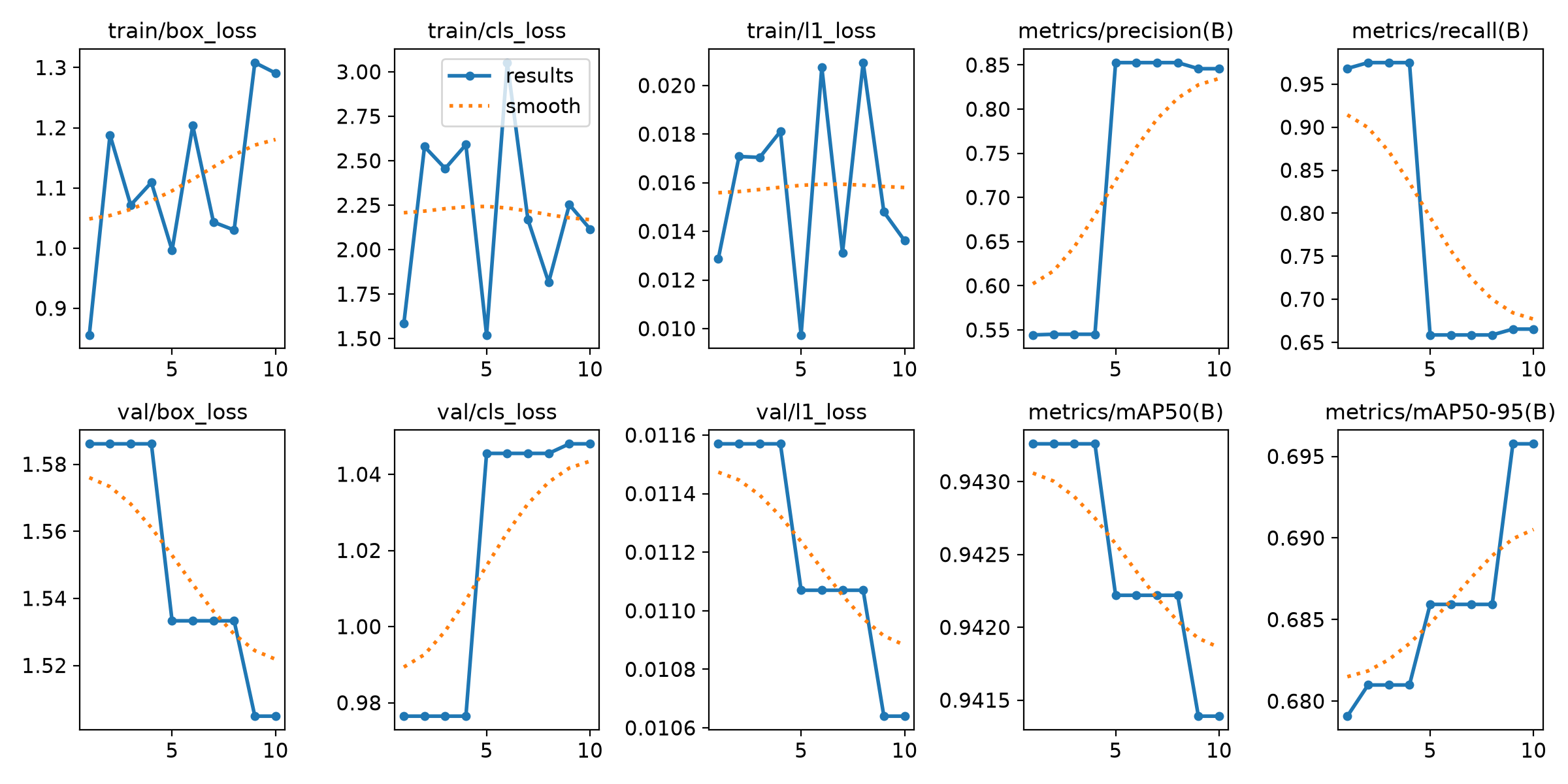
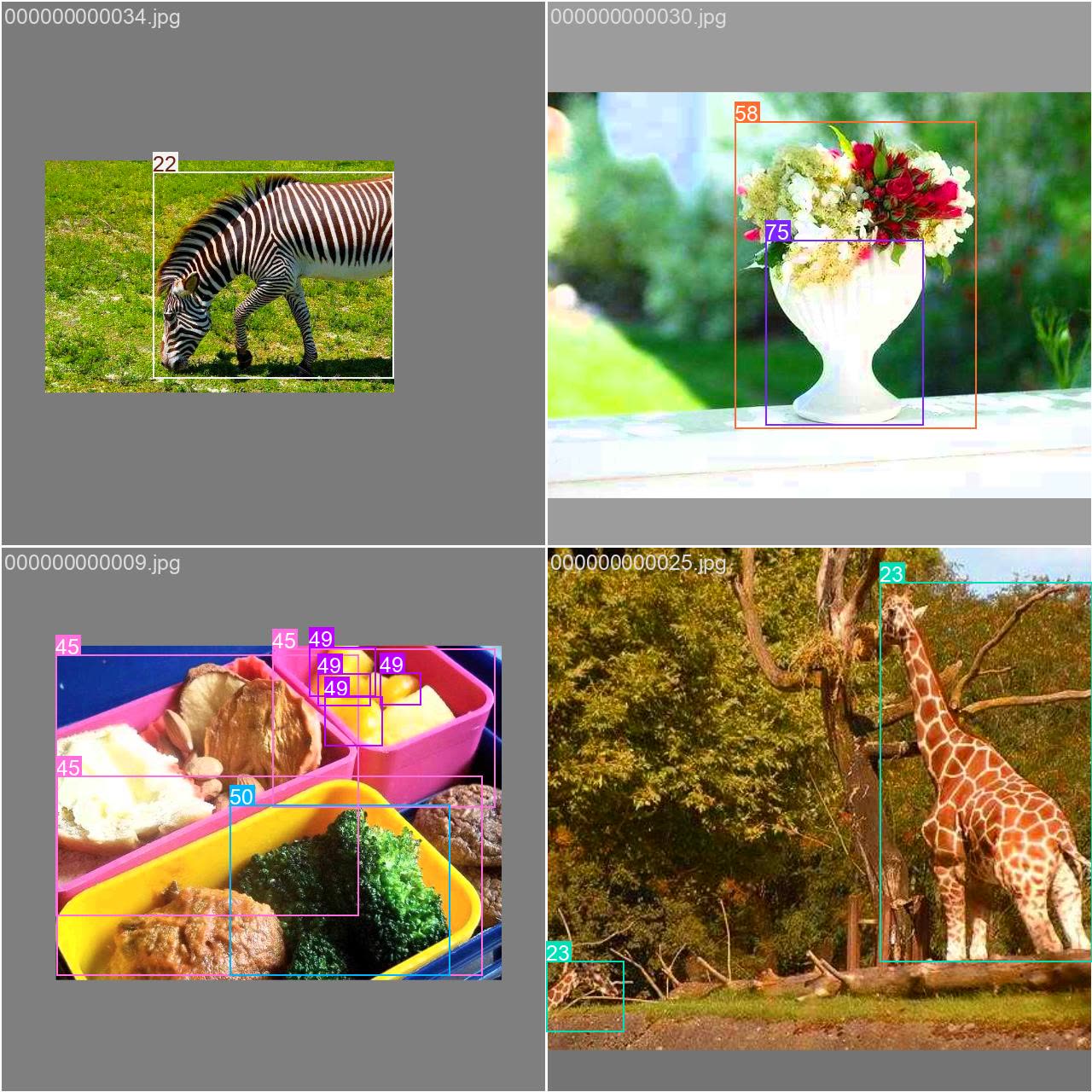
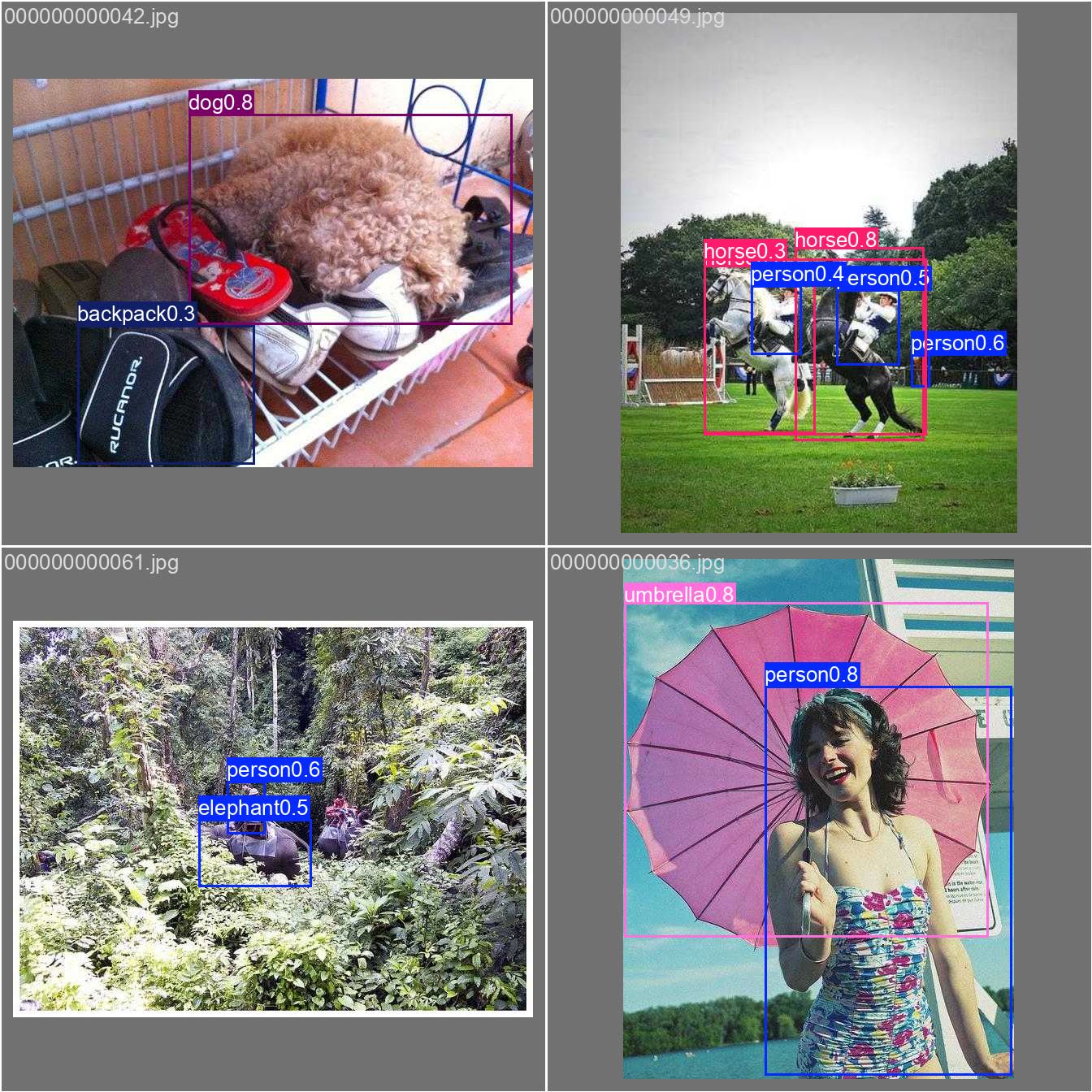
Ten epochs of yolo26n.pt on coco8.yaml reach mAP50 0.941.
1.3 Or train on a cloud GPU with one click
- Open your project on the Ultralytics Platform and click New Model.
- Pick
YOLO26nunder Official, pick a dataset inreadystatus. - Set epochs, batch and image size, then choose a GPU. The RTX 2000 Ada is perfect for a quick test.
- Press Start Training and watch the same dashboard fill up.
See which cloud GPUs are free right now with the Platform client that ships inside ultralytics. After yolo login it also lists your plan, credits and projects.