Step 3: High speed execution with Ultralytics Inference  









Ultralytics Inference is a Rust library and CLI for Ultralytics YOLO. It reads ONNX and OpenVINO exports, handles all seven tasks, and runs on CPU, CUDA, TensorRT, CoreML, OpenVINO and more. One small binary, no Python at runtime.
3.1 The CLI
# any machine, CPU only
cargo install ultralytics-inference

# NVIDIA GPU with CUDA and TensorRT
cargo install ultralytics-inference --features "nvidia,video"

# Intel CPU, GPU and NPU with OpenVINO, which needs to find the runtime from the pip package
cargo install ultralytics-inference --features "openvino-native,video"
export LD_LIBRARY_PATH=$(python -c "import openvino, os; print(os.path.dirname(openvino.__file__))")/libs

# single image on the CPU
ultralytics-inference predict --model yolo26n.onnx --source bus.jpg

# a folder
ultralytics-inference predict --model yolo26n.onnx --source images/ --batch 4

# a video on an NVIDIA GPU
ultralytics-inference predict --model yolo26n.onnx --device cuda:0 --source video.mp4

# a video on an Intel GPU
ultralytics-inference predict --model yolo26n_openvino_model --device intel:gpu --source video.mp4

# the webcam on an Intel NPU
ultralytics-inference predict --model yolo26n_openvino_model --device intel:npu --source 0 --show

# any task, model auto downloads
ultralytics-inference predict --task pose
Or let the workshop script drive it:
# image, batch, video, all tasks, Intel devices and the Rust app
./local_inference/run_cli.sh all
CAMERA=50 ./local_inference/run_cli.sh webcam
3.2 The crate in your own app
local_inference/ is a complete Cargo project with four modes in about 200 lines.
[dependencies]
ultralytics-inference = { version = "0.0.54", features = ["openvino-native", "video"] }
use ultralytics_inference::{Device, InferenceConfig, Source, SourceIterator, YOLOModel};

fn main() -> Result<(), Box<dyn std::error::Error>> {
    let config = InferenceConfig::new().with_confidence(0.25).with_device(Device::IntelGpu);
    let mut model = YOLOModel::load_with_config("yolo26n_openvino_model", config)?;

    // One frame in memory at a time, so a 10 hour stream costs the same RAM as a 10 second clip
    for item in SourceIterator::new(Source::from("video.mp4"))? {
        let (frame, meta) = item?;
        for result in model.predict_image(&frame, meta.path)? {
            println!("{}", result.detection_summary());
        }
    }
    Ok(())
}
# pick the features for your machine: none for CPU, "nvidia,video" or "openvino,video"
cargo build --release --manifest-path local_inference/Cargo.toml --features "openvino,video"
BIN=local_inference/target/release/gdg-inference

# single image
$BIN image yolo26n.onnx bus.jpg

# folder in batches
$BIN batch yolo26n.onnx datasets/coco8/images/val 4

# video, webcam or RTSP
DEVICE=intel:gpu $BIN video yolo26n_openvino_model video.mp4

# latency, DEVICE can be cpu, cuda:0, tensorrt:0, intel:cpu, intel:gpu or intel:npu
DEVICE=intel:npu $BIN bench yolo26n_openvino_model bus.jpg 300
3.3 All seven tasks in Rust
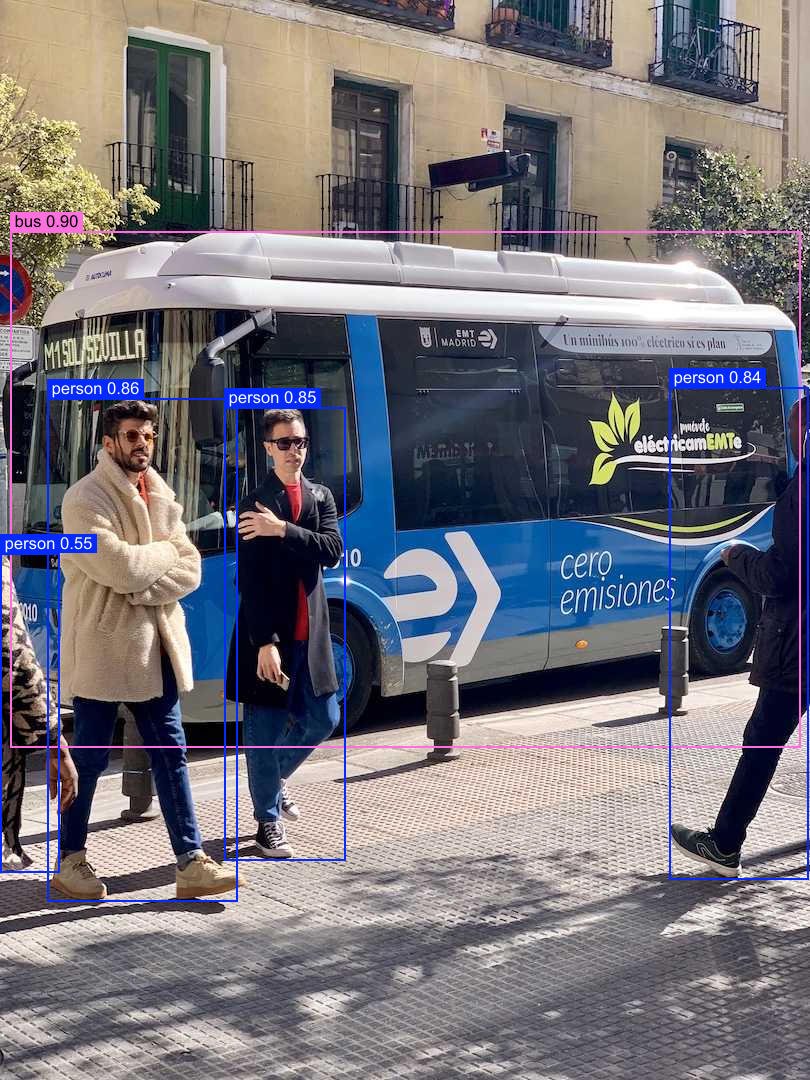
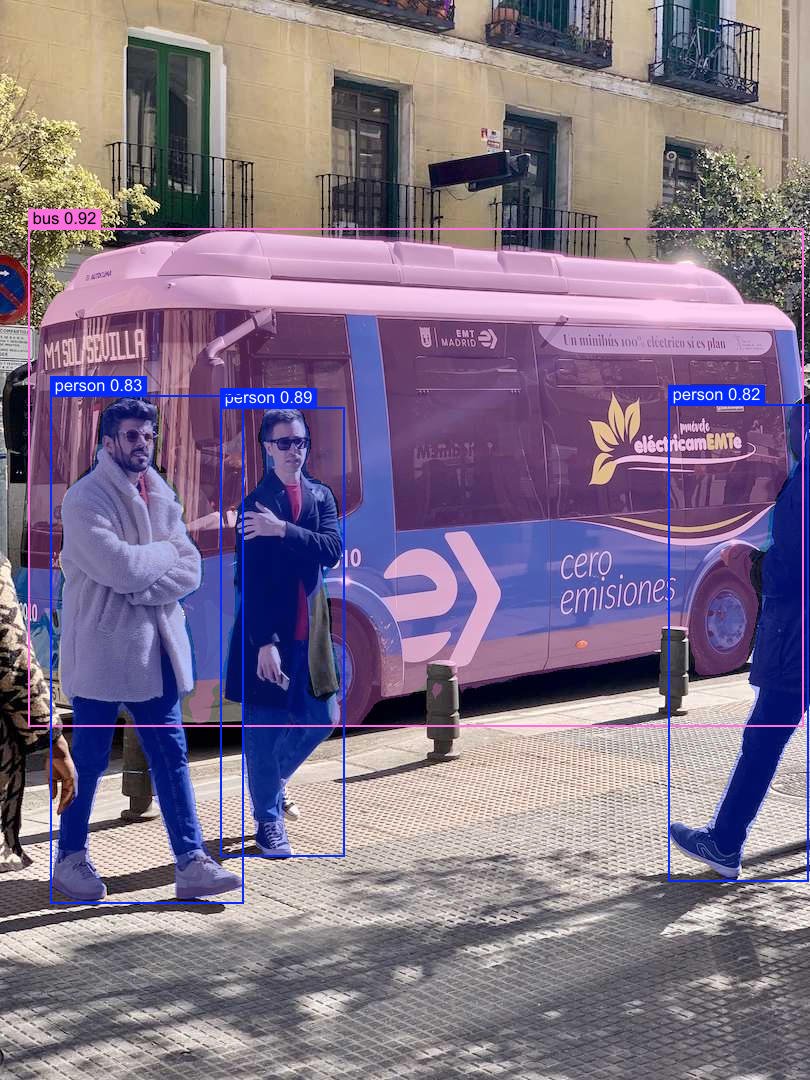
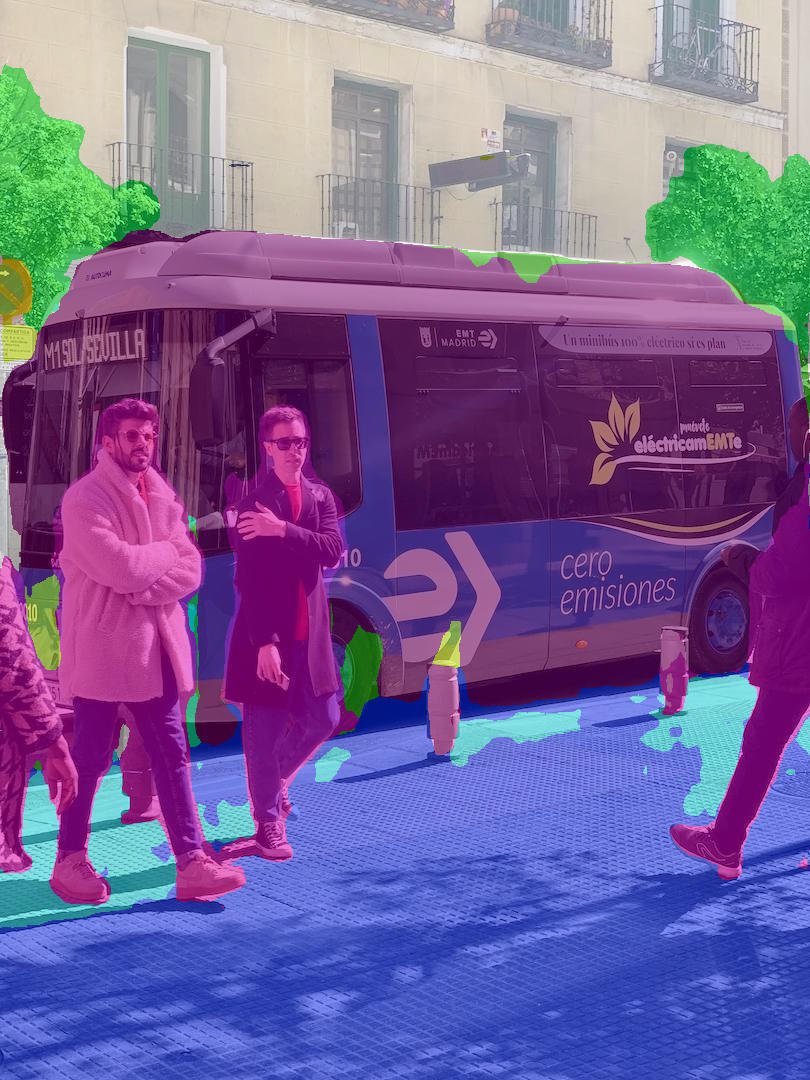
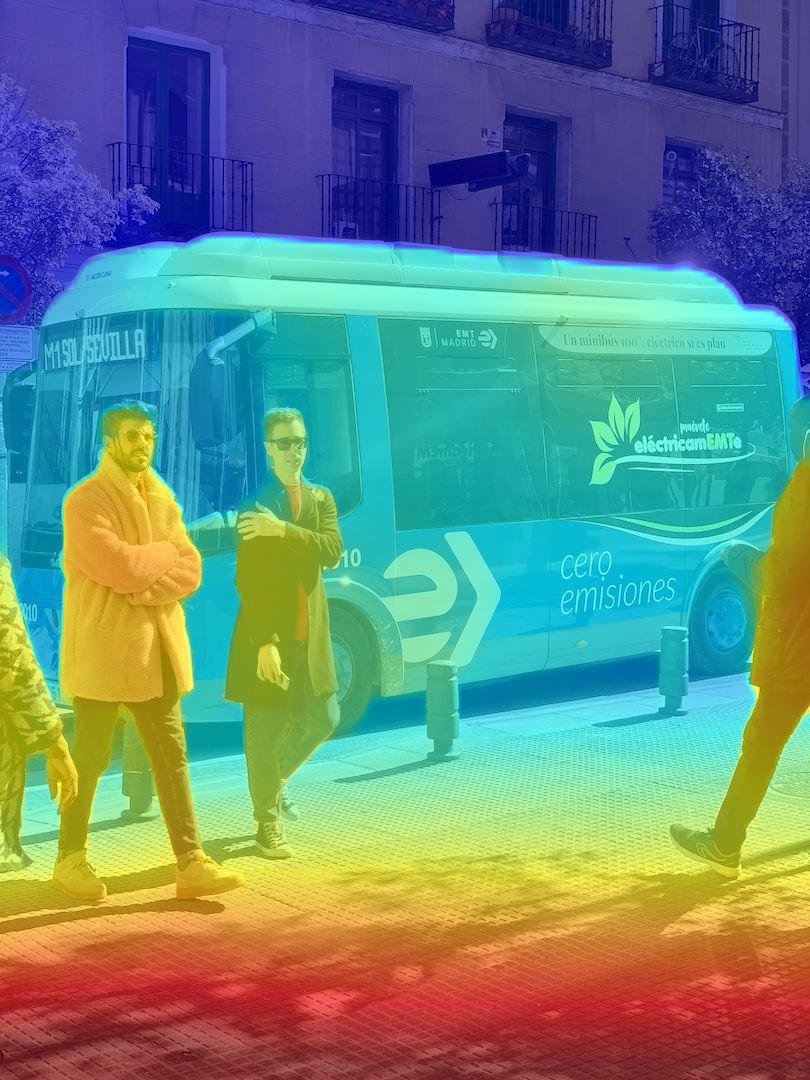
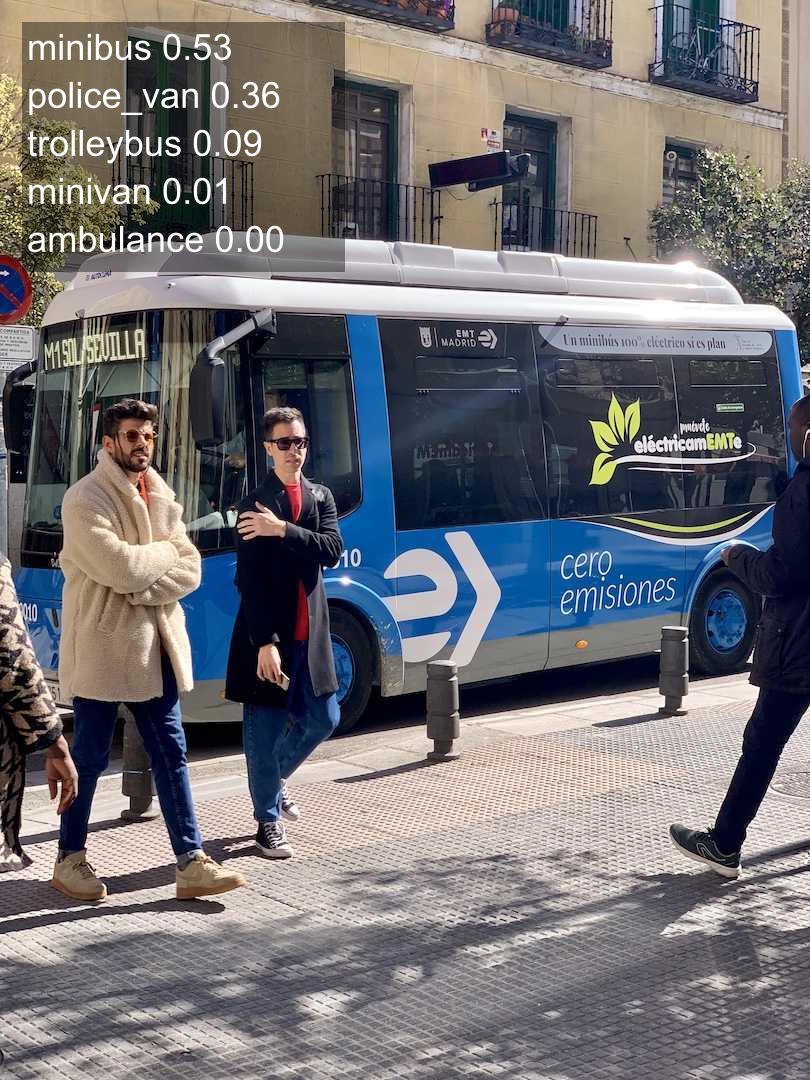
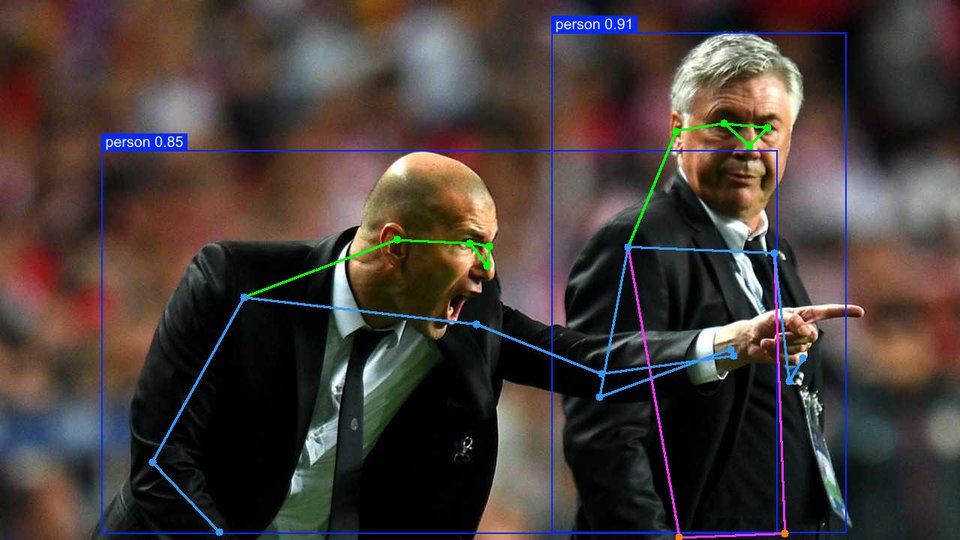
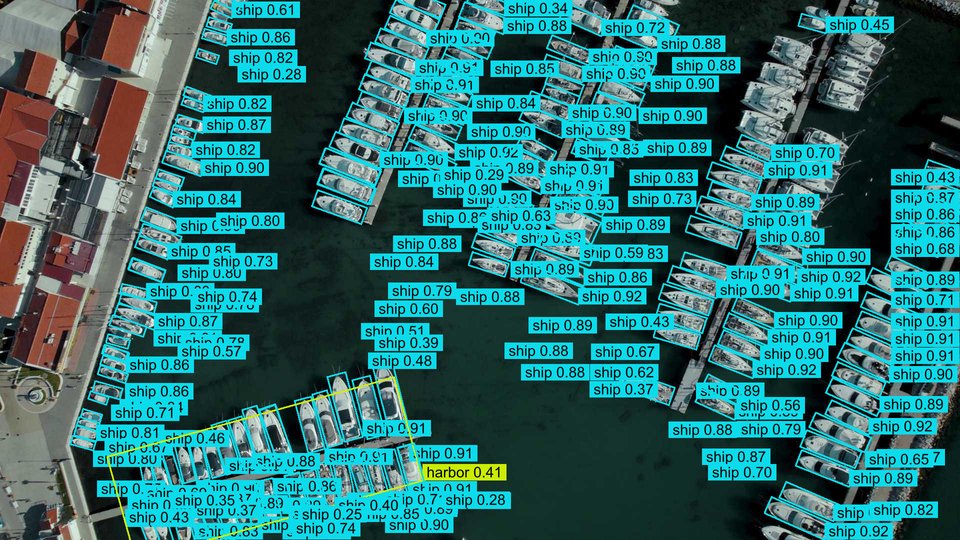
Pass --task and the CLI downloads the matching YOLO26 nano model, runs it on the sample images and saves the annotated results under runs/<task>/. Every picture below was drawn by the Rust CLI on the workshop laptop, with no Python involved.
# all seven tasks in one go
./local_inference/run_cli.sh tasks

# one task on your own image
ultralytics-inference predict --task segment --source bus.jpg
3.4 NVIDIA TensorRT FP16 straight from ONNX
You do not need the .engine file from Step 2 to use TensorRT in Rust. Ultralytics Inference hands the ONNX model to the ONNX Runtime TensorRT execution provider, which builds an FP16 engine on the first run and caches it in .trt_cache/ next to the model. The first load takes about a minute, and every load after that starts in seconds.
cargo install ultralytics-inference --features "nvidia,video"
ultralytics-inference predict --model yolo26n.onnx --source bus.jpg --device tensorrt:0 --quantize 16

cargo build --release --manifest-path local_inference/Cargo.toml --features "nvidia,video"

# FP16 by default
DEVICE=tensorrt:0 local_inference/target/release/gdg-inference bench yolo26n.onnx bus.jpg 300
let config = InferenceConfig::new().with_device(Device::TensorRt(0)).with_quantize(Quantization::Fp16);
let mut model = YOLOModel::load_with_config("yolo26n.onnx", config)?;
What TensorRT needs
An NVIDIA driver plus the CUDA 13 runtime, cuDNN 9 and TensorRT 10 on the library path. The prebuilt ONNX Runtime is built for CUDA 13 only. Pass --rect false to the CLI so every frame has the same shape and only one engine gets built. Want plain CUDA without TensorRT? Use --device cuda:0.
Hybrid laptops and CPU threads
On Intel hybrid CPUs, OpenVINO in Rust picks its own thread count by default. Pass THREADS=16 (all cores) to the workshop app or call .with_threads(16) and the CPU path gets faster.